


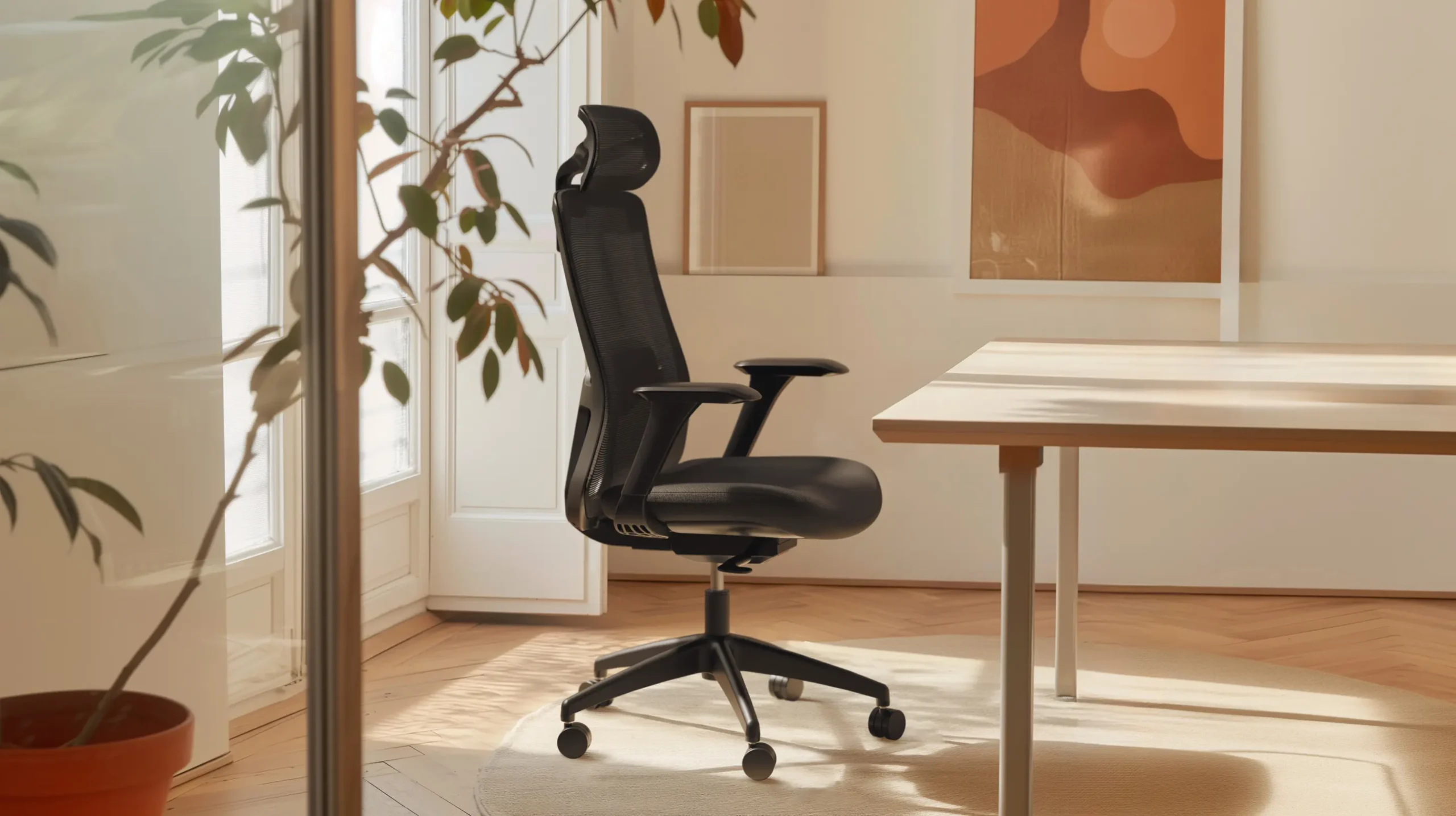
That “temporary” home office you scrambled to create in 2020 has become surprisingly permanent, hasn’t it? Many of us are still working from a dining table or a flimsy, flat-pack desk that was never designed for 40-hour weeks. The result is a daily battle with back pain, stiff necks, and low energy.
The obvious answer is a standing desk. But the market is a minefield. You’ve got cheap, rickety models that shake every time you type, and then you’ve got thousand-pound designer desks that feel like an unnecessary expense. This is the problem Desktronic aims to solve. It’s not just about selling a desk that goes up and down; it’s about providing a stable, high-performance foundation for a truly productive workspace.
Which Desktronic Setup Is Right for You?
- Desktronic 2-Motor Desk: This is the flagship and the best choice for most people. Its dual-motor system is smooth, quiet, and strong enough for a multi-monitor setup.1
- Desktronic Pro Desk: An upgrade for power users. It boasts a higher weight capacity and an even more robust frame, ideal for those with heavy studio equipment or massive desktops.
- Desk Frame Only: The best value for DIYers. Get the high-performance base and pair it with your own custom top, like a solid wood kitchen worktop.
- Standing Desk Converters: A great option if you can’t replace your current desk. These units sit on top and lift your monitor and keyboard.
The Great WFH Regret, The Wobbly Desk


Let’s talk about the number one problem with cheap standing desks: stability. A desk can have all the fancy features in the world, but if it wobbles when you’re standing, you will eventually stop using it. Typing should not make your monitor shake. Leaning on your armrests shouldn’t make your coffee cup tremble.
This “wobble test” is the most critical part of any standing desk review. Many budget desks use a single, underpowered motor and thin metal legs to cut costs. They are perfectly fine when sitting, but as soon as you raise them to standing height, they become a wobbly, distracting mess. This is the difference between a desk you can stand at and a desk you will stand at.
What Actually Matters in a Desk That Moves

When you’re comparing models, it’s easy to get lost in marketing terms. From having done the research, here’s what actually makes a desk good.
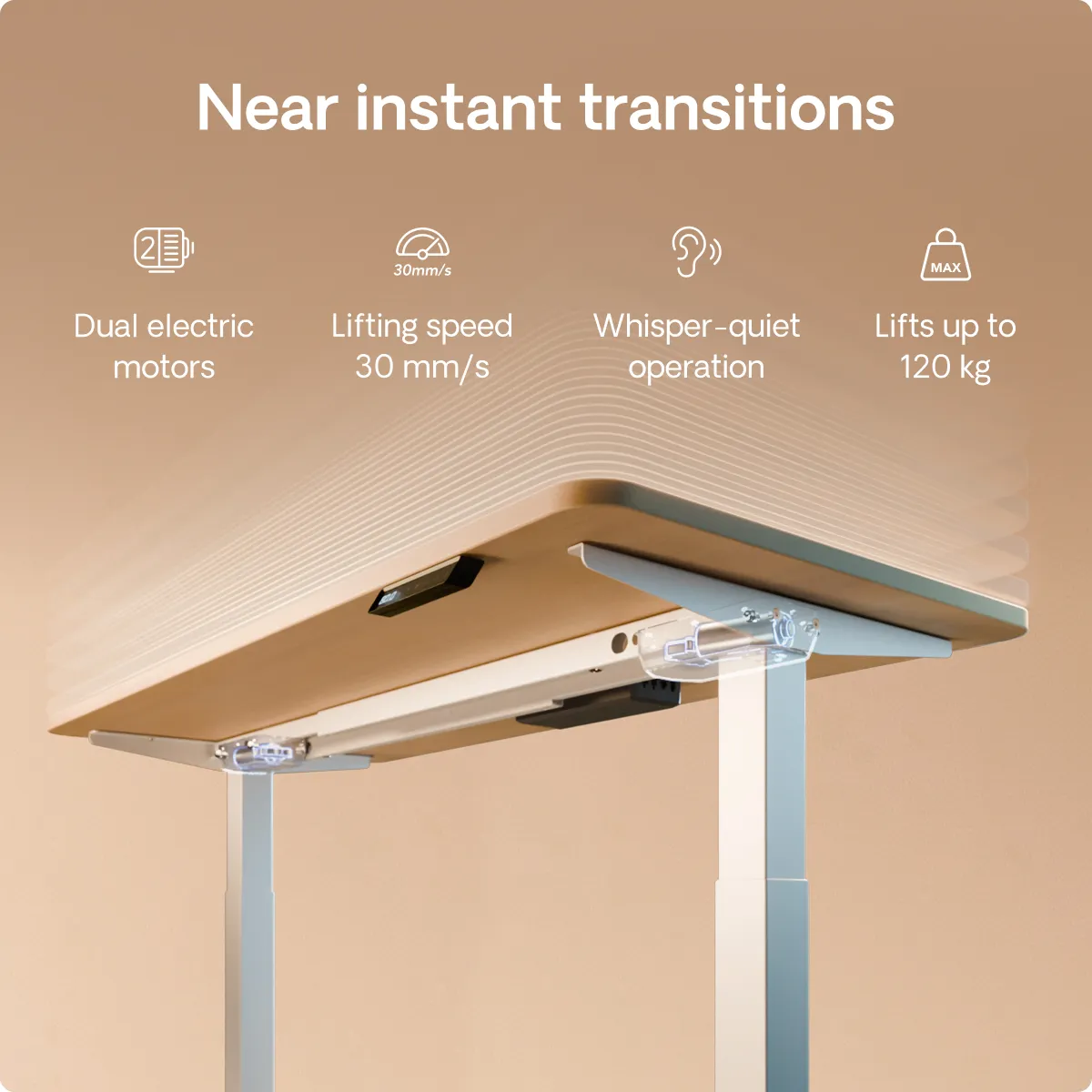
- Dual Motors: This is non-negotiable for a serious desk. Single-motor desks are slower, louder, and struggle with uneven loads. A dual-motor system, like the one in the standard Desktronic 2-Motor desk, puts one motor in each leg. This allows for a smoother, quieter, and faster lift. It also means a much higher weight capacity (around 100-120kg), so it won’t struggle with two monitors, a laptop, and a stack of books.
- A Solid Steel Frame: The weight of the frame itself is a good sign. The Desktronic frames are heavy, constructed from solid steel with wide feet.2 This added heft is what provides the all-important stability at height.
- Memory Presets: A simple “up” and “down” button is not enough. You need a controller with memory presets. This allows you to set your perfect sitting and standing heights. You just tap one button, and the desk moves to your exact spot. It’s a crucial quality-of-life feature.
- Anti-Collision Tech: This is a key safety feature. Sensors in the motors detect resistance, so if the desk starts to lower onto your office chair or a cabinet, it will automatically stop and reverse.
A Closer Look at the Desktronic 2-Motor
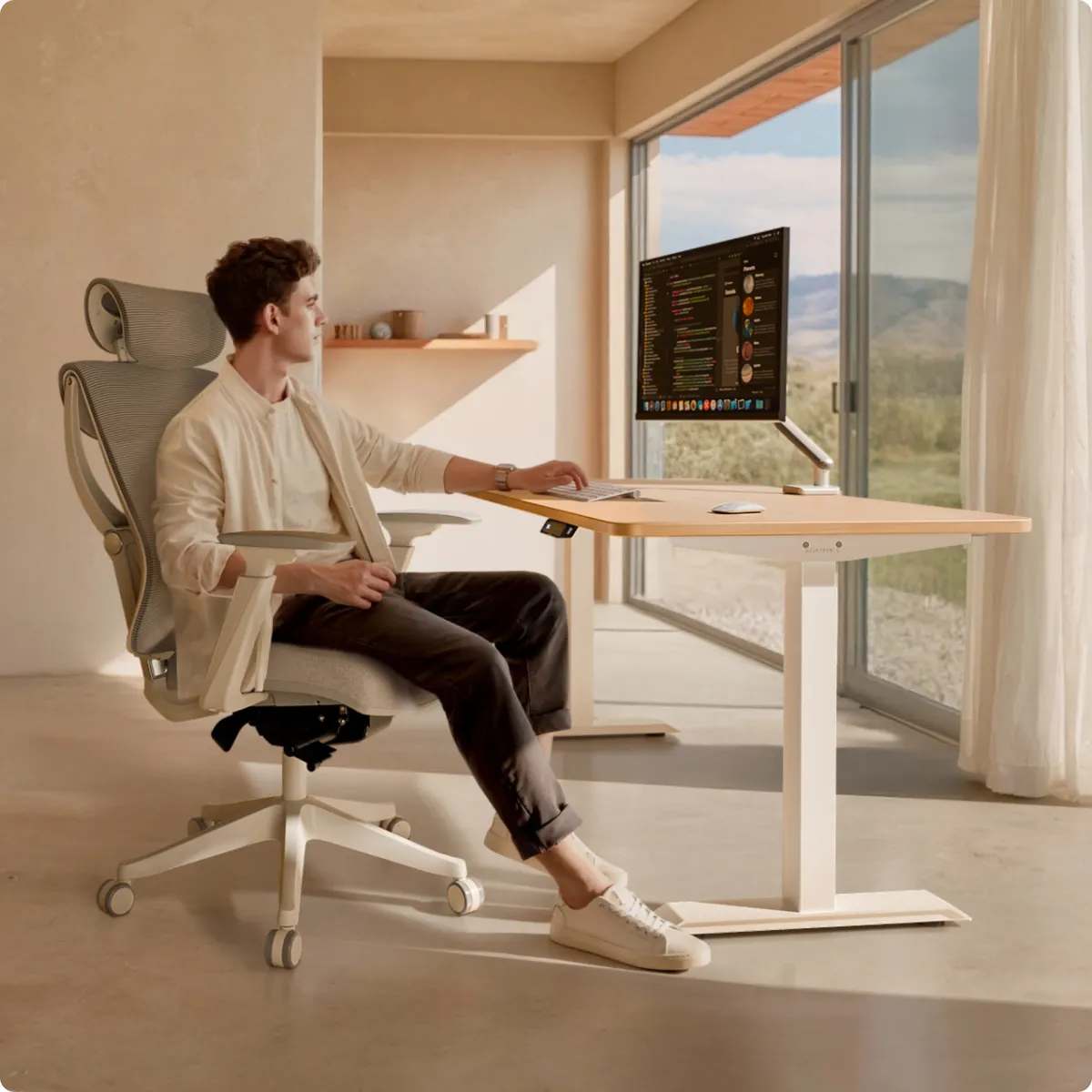
This is the brand’s workhorse, and for good reason. Unpacking it, the first thing you notice is the weight of the legs. This is reassuring. Assembly is straightforward, but I’d recommend having a second person to help you flip the desk over once the top is attached.
Once built, the performance is exactly what you’re paying for. The motors are genuinely quiet, just a low, confident hum. The memory handset is simple to program (you just move the desk to the right height and hold a number button).3
Now, the wobble test. At sitting height, it’s rock-solid. At a typical standing height (around 112cm), I tried to make it wobble. If you grab the desk and try to force it, you can get some front-to-back movement, that’s just physics. But for the all-important typing test, it’s a huge success. I can type aggressively, lean on my elbows, and the monitor doesn’t shake. The side-to-side stability is excellent. This is the solid, productive workspace I was looking for.
Why You Might Go “Pro” or “Frame-Only”
For most people, the 2-Motor desk is more than enough. So, who needs the Desktronic Pro? The Pro model is for power users. It typically features a more robust, three-stage leg design and an even higher weight capacity (120kg+). If you’re a video editor with heavy speakers and multiple 32-inch monitors, or you’re planning to use a massive, solid-wood desktop, the Pro gives you that extra peace of mind.
However, the “savvy” option for many might be the Frame-Only model. The motors and the frame are the “magic” part. The top is just a top. This option allows you to get the premium electronic base and pair it with any desktop you want. You can go to a local timber yard and get a beautiful piece of solid oak, or you can grab a simple laminate kitchen worktop for a fraction of the price of a “pre-packaged” solid wood desk. It’s the best way to get a high-end, custom look on a reasonable budget.
A Solid Investment in Your WFH Life
After digging into the specs and performance, it’s clear where Desktronic fits. It is not a “budget” desk. It’s an investment. You are paying a premium over the cheap, wobbly desks, and what you get for that money is the stuff that actually matters: quiet dual motors, a heavy-duty frame, and, most importantly, stability.
This is the desk for someone who is done with “making do” and is ready for a professional, comfortable, and productive home office. It’s the sweet spot between flimsy, entry-level models and wallet-emptying designer brands. If your back is sore and your monitor is shaking, this is the upgrade you’ve been waiting for.


